
Account and sign-in
Creating an account
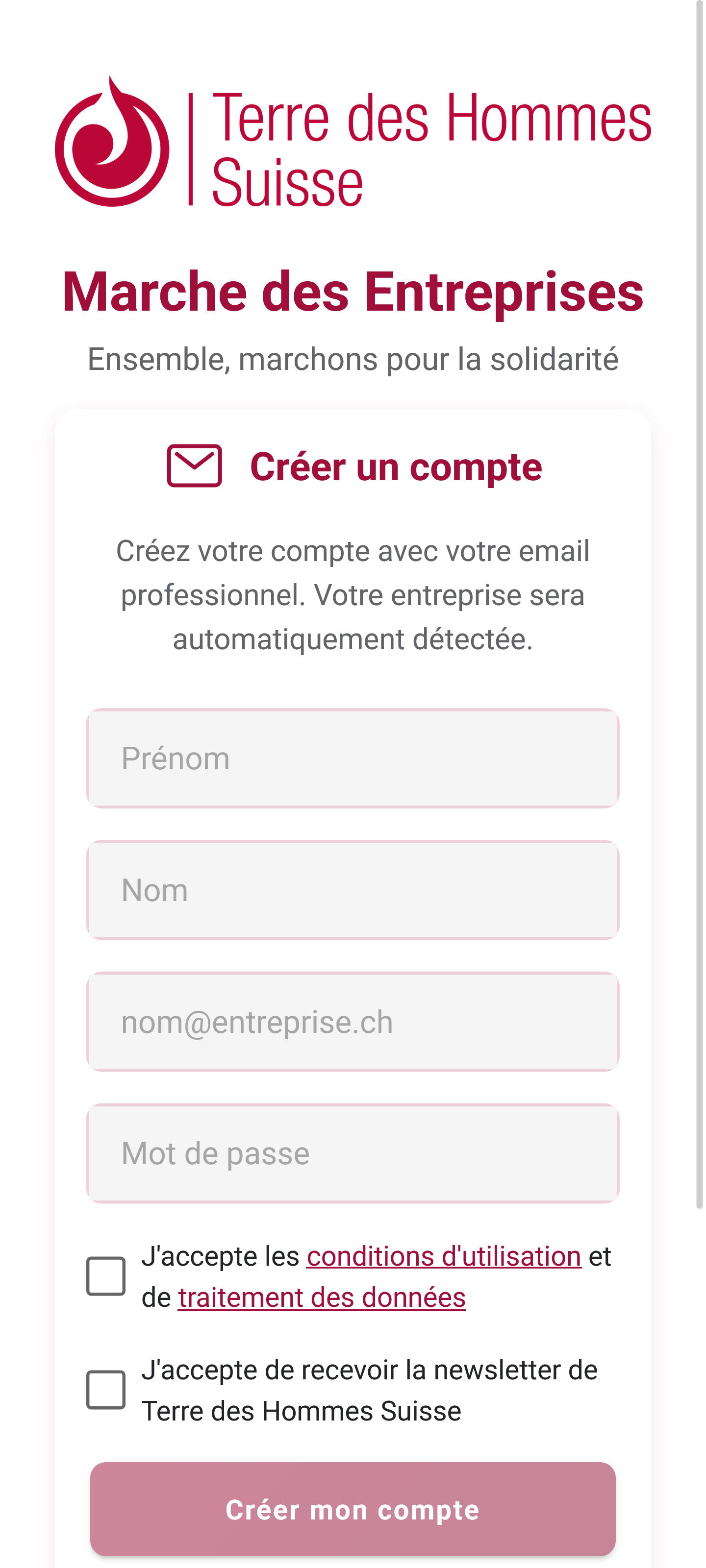
Step 1: sign up
- Open the app and tap “Create an account”
- Fill in the form:
- First name
- Last name
- E-mail address (use your work address)
- Password (at least 6 characters)
- Accept the terms of use
- Tap “Sign up”
Step 2: confirming your e-mail address
Once you have signed up, a six-digit code is sent to your e-mail address.
- Check your inbox (and your spam folder if nothing arrives)
- Enter the code in the app
- Tap “Verify”
No code? Tap “Resend code” and give it a few minutes. Check your spam folder as well.
Step 3: joining your company
To take part in the challenge you need to join your company:
Option A: recognised automatically
If your work e-mail address is recognised, your company is found for you.
Option B: access code
Enter the access code your company gave you (for example COMPANY2026).
Where do I find the code? Ask your HR contact, or whoever is running the challenge at your company.
Signing in
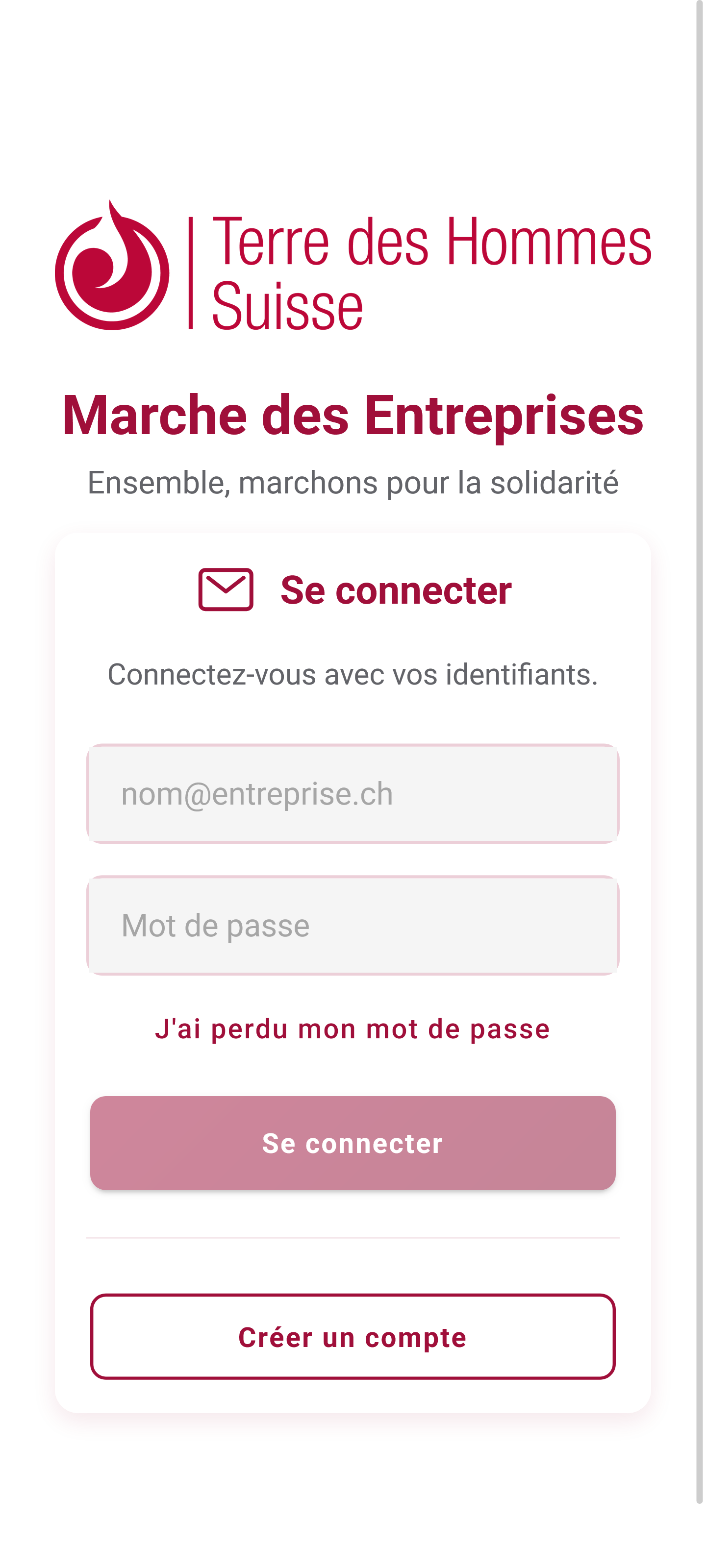
If you already have an account:
- Open the app
- Enter your e-mail address and password
- Tap “Sign in”
Forgotten password
- On the sign-in screen, tap “Forgotten password?”
- Enter your e-mail address
- Tap “Reset”
- Open the e-mail you receive and follow the link
- Choose a new password
Signing out
To sign out of the app:
- Go to the Profile tab
- Scroll to the bottom
- Tap “Sign out”
Common problems
“E-mail address already in use”
An account already exists with that address. Use “Forgotten password” to get back in.
“Invalid company code”
Check that you typed the code correctly — capital letters matter. Get in touch with your company contact if it still does not work.
“Verification code expired”
Codes expire after 30 minutes. Tap “Resend code” to get a new one.
“I cannot sign in”
- Check your internet connection
- Make sure the password is right
- Try resetting your password
Keeping your account safe
- Never share your password
- Use a unique, strong password
- You stay signed in for convenience, but you can sign out whenever you like